


GitLaw How-To guides
Access GitLaw Agent
GitLaw combines lawyer‑vetted templates with an AI agent that can draft or review legal documents based on plain‑language instructions.
Steps
- Sign up or log in: Make sure you have a GitLaw account. Follow the registration steps described in the Getting Started guide.
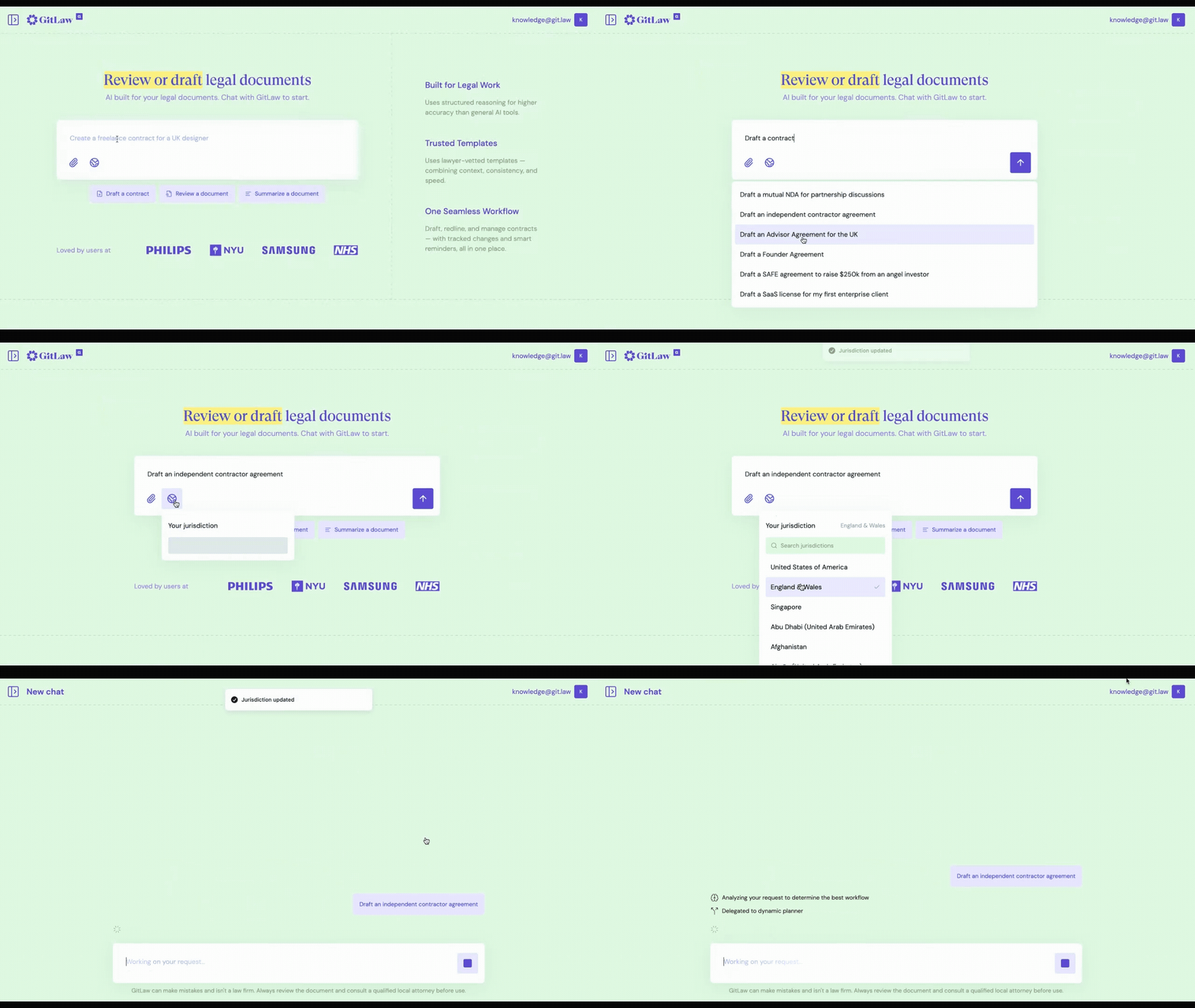
- Start a new chat: Access the chat from the git.law or clicking New Chat in the left side panel.
- In the chat interface, you will see a blank conversation area with few prompt suggestions at the bottom. The Agent understands your plain-language instructions and will ask for confirmations where required.
.gif)
💡Always remember to set your jurisdiction to get best quality first drafts and reviews. Click here to learn how.
See how to draft with Agent here.